
Description
 Download Manual
 This listing is for HDb2540-DT (DirecTV) Encoder only. Use description below as a general reference.
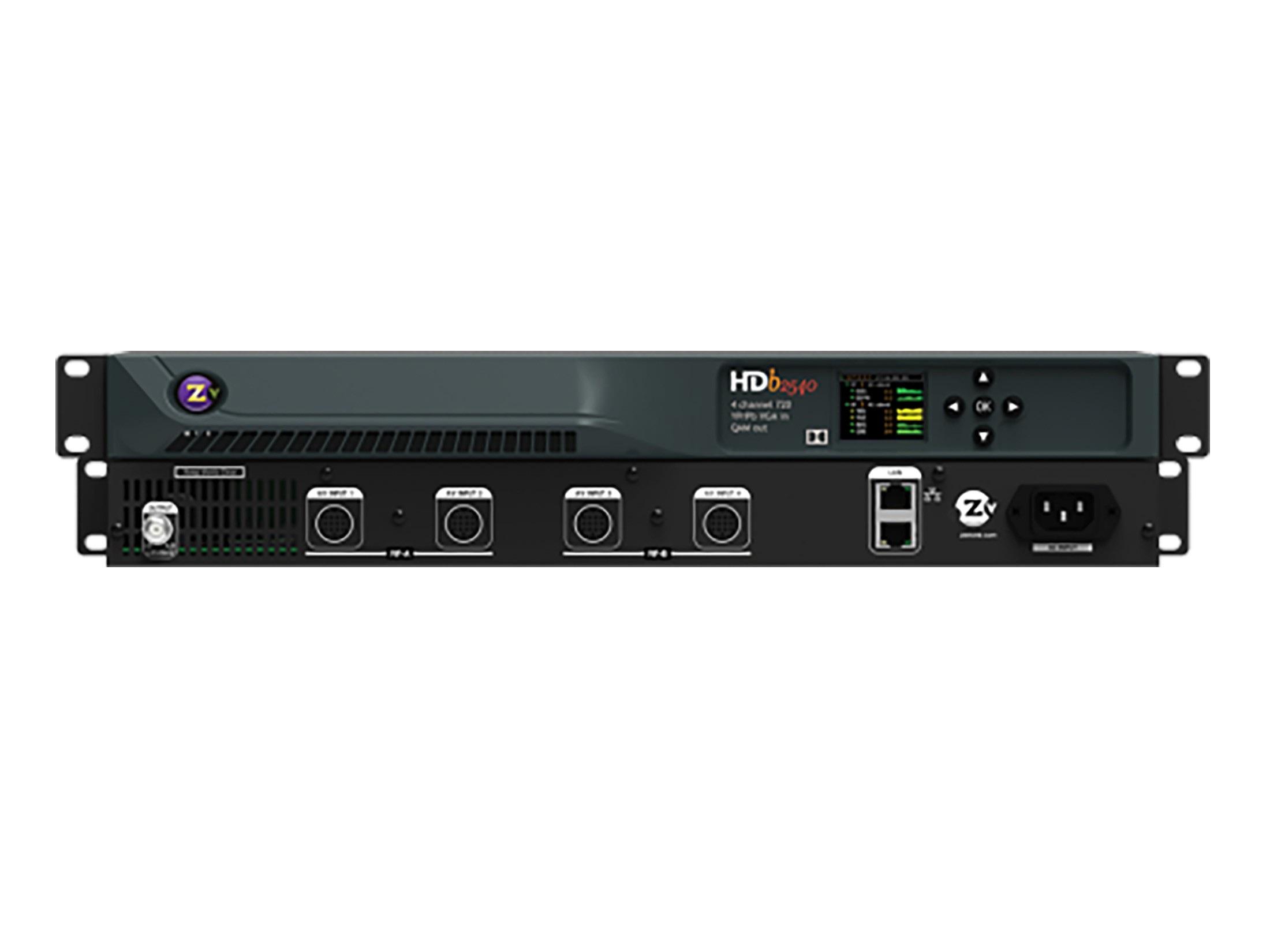
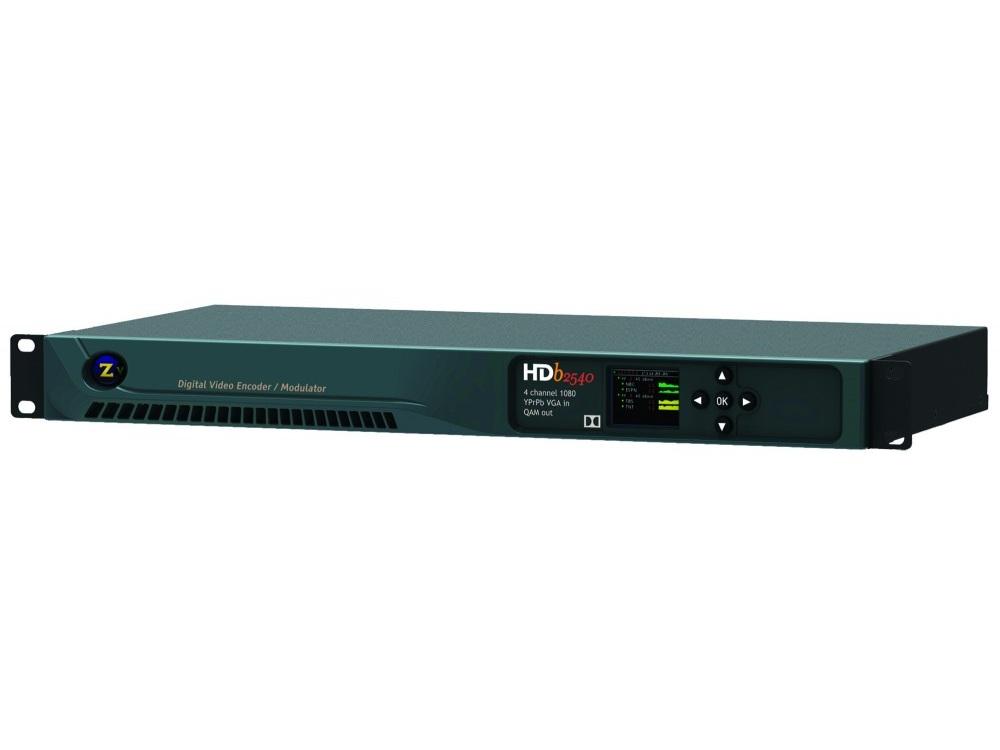
Distribute two sources / channels HD video up to 720p resolution to an unlimited number of displays over almost any distance. The HDbridge 2540 converts four component or VGA sources into a RF signal that is sent to a HDTV display’s QAM digital tuner over coax cable -just like a traditional cable box. With its high 45 dBmv RF output, you can send your content to an unlimited number of displays over nearly any distance. You can change sources on any display simply by changing the channel on the display – virtually eliminating the need for a traditional AV matrix switcher. This solution is ideal for anyone looking for an easy and affordable way to support a large number of displays such as a sports bar, house of worship, or digital signage. Multiple HDbridge units can be combined to create a headend that will support over 100 channels on your video network at each display. The HDbridge enables quick setup through a LAN network using the Maestro software to customize your sources and channels, as well as a front LCD panel to directly control and monitor the unit. This unit is designed especially for high channel density environments where rapid deployment, advanced management and compatibility are critical. Used in some of the most famous ballparks in the world, this is an ideal solution for environments where you have a large number of displays, such as stadiums, entertainment facilities, or broadcast environments.
Features
LCD Color Front Panel Control
The HDbridge 2000 series has an easy to read LCD color front panel that makes it easy to setup and monitor your channels, check firmware, and identify IP addresses without a computer. The panel will show green, yellow, or red color bars on each channel to show the status of video and audio content being shown, as well enable easy adjustment of RF power and audio delay to ensure a perfect picture and sound on every screen.
Create your own custom channel with ZvShow
The HDbridge 2000 provides an extra channel to enable you to offer customized content on your displays in addition to your video source. This is in addition to the channels that are already included on the each model.
ZvShow will play a video file (MP4, WMV, MOV) on a separate channel to enable you to use your displays to play commercials, display menus, or as digital signage. Simply change the channel on the display to select what content you want to see on your display.
Combine Multiple Units for More Channels
Combine multiple HDbridge units to create a video network head end up to 144 sources /channels over a single coax cable
Add a Digital Tuner to your display with ZvSync
Have a projector or other display that doesn’t have a QAM or digital tuner? No problem. The ZvSync (sold separately) enables you to connect any display or projector to the HDbridge encoder coax connection and receive crystal clear video up to1080p resolution just as if your display was built with a digital coax tuner. Perfect for sports bars and house of worship applications that use projectors and televisions in the same space.
Setting up your channels is a snap with Maestro
The ZeeVee Maestro software makes it simple to setup and manage your content and channels from anywhere on your network. Simply open your web browser and connect to the IP address on any ZvPro or HDBridge encoder and you can assign channel numbers, label your custom channels, and troubleshoot problems right from your desk or anywhere you have network access.
Directly control Set-Top boxes from your desk
The ZeeVee ZvSTB Control software enables you to manage your H25 DirecTV Reciever or other supported set-top box from directly from any computer through the Maestro software interface. Using an HDbridge or ZvPro, you can turn the receiver on or off, change channels, as well as edit the channel names appearing on the screen from any computer that you have network access.