
Description
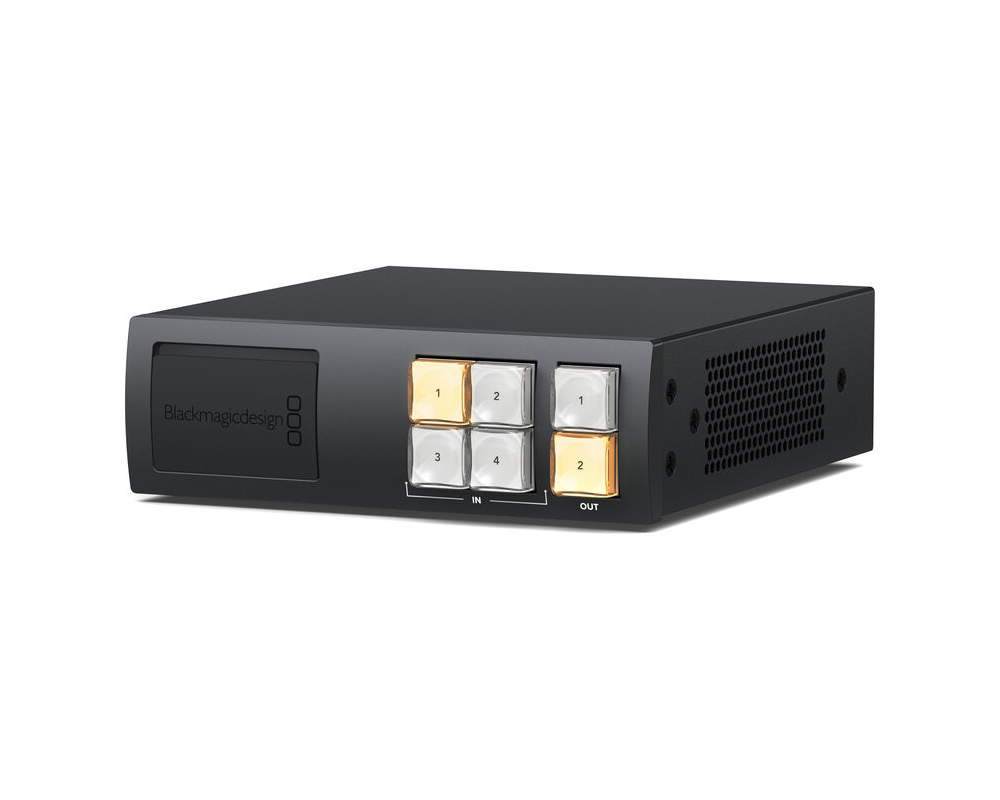
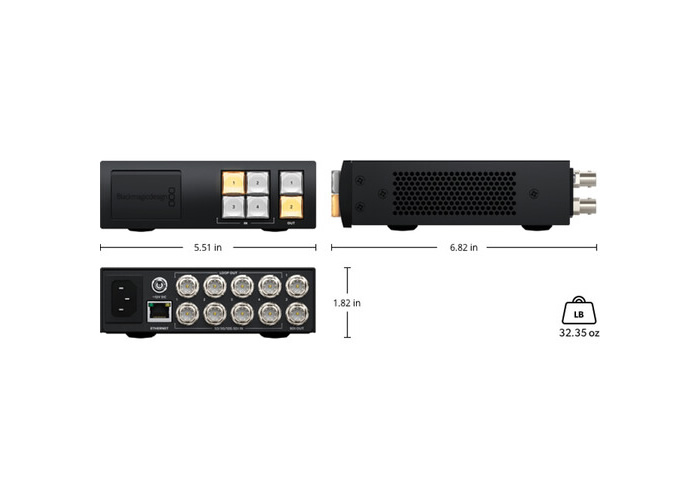
With an ultracompact size, the Videohub Mini 4×2 12G Router from Blackmagic Design is the ultimate device for live production flexibility.The mini router features four 12G-SDI inputs, four 12G-SDI loop outputs, and two 12G-SDI outputs on its back panel in a size that is only a third of a rack width.
Control over the I/O ports can be achieved using the front push buttons, knob, or via Ethernet connection to automate functions.
The front panel of the router also features a 12G-SDI input and USB-C output that override the functions of the back panel ports for when you need to route new sources on the fly.
The USB-C output registers on your device as a webcam and lets you live stream directly from your computer.
Clean switch functionality is programmed to the router’s outputs, allowing you to route a specific source to a single output while switching that same source as a direct feed to other outputs.
Streamlines Cable Connections
The Videohub Mini router is designed to add extra inputs to SDI broadcast equipment without taking up significant rack space.
You can add extra inputs to ATEM switchers or add input selection to streaming encoders and HyperDeck recorders.
You can also use it to add extra inputs to video monitors!
Routers are fantastic because you can make changes to connections without frantically patching cables in the middle of a job.
If you have an urgent customer need or emergency, you can connect gear to the SDI connections on the front panel.
That means you can handle the unexpected without rewiring your rack.
Front Panel Router Control & Video Patching
The front panel design of the Blackmagic Videohub Mini has been designed for fast cut-bus-style switching with dedicated buttons for outputs and inputs.
To route a video connection, simply select the destination button and then press the source button!
That provides all the routing control you need, even though the routers are designed to fit into small, portable racks.
The front panel also has 12G-SDI video connections for patching in external gear, and the front panel input connection will override the highest rear input connection when video is connected.
The front panel also has a USB webcam output, so you can connect a computer for recording, video scopes, or streaming software.
Advanced 12G-SDI Connections
All models of Blackmagic Videohub Mini feature advanced 12G-SDI connections, which are multirate and support any SD, HD, and UHD video format up to 2160p60.
You can connect any SD, HD-SDI, 3G-SDI, 6G-SDI, and 12G-SDI equipment.
The Videohub Mini also supports routing any video standard on the same router at the same time.
The 12G-SDI gives you high frame rate UHD via a single BNC connection that also works with all your regular HD equipment.
You can seamlessly switch different video inputs, and the SDI output standard will change automatically.
Clean Switch on Each Video Output
All models of the Blackmagic Videohub Mini feature a “clean switch” function that ensures stable video transitions when switching between sources.
The clean switch feature is set on each output, not on the inputs.
This prevents unwanted extra frames being added by re-sync processors.
You could set a HyperDeck recorder to a non-clean switch direct feed while a monitor or streaming encoder router output could use the clean switch.
The clean switch will lock sources to input one.
Full SDI Re-Clocking
All models of Blackmagic Videohub Mini feature built-in SDI re‑clocking on every 12G-SDI input.
SDI re-clocking regenerates the video signal to ensure optimal video quality and prevent SDI data errors.
Longer video cables degrade the signal, and re-clocking ensures all your equipment receives a regenerated signal with enhanced jitter performance.
This allows longer cable lengths and absence of video dropouts.
Front Panel Emergency Patch Connections
Blackmagic Videohub Mini features incredibly useful 12G-SDI patch connectors on the front panel for direct video access.
Front panel 12G-SDI input overrides the highest rear video input when connected.
No need to fumble around the back of the rack during urgent situations.
USB Webcam Output
The front USB-C connection functions as an HD webcam video source.
Compatible with Zoom, Microsoft Teams, Skype, and streaming software like OBS or XSplit.
Provides full 1080 HD quality; UHD sources down-convert to HD automatically.
Remote or Hardware Control
Connect the router to a compatible Master Control Pro panel or the Videohub Software for hardware or remote control.
Assign different functions to buttons or software settings.
A free SDK is included for developers to add protocol support and automation.
Redundant Power Supply
Power can be supplied using the built-in AC power supply or 12 VDC power connection.
Use a standard wall outlet with IEC cable or a DC power source.